

How to Build a Fitness Equipment Condition Report for Your Next Capital Request
If you manage a school weight room, campus rec center, municipal facility, or public-safety training space, the budget calendar sets the pace. Equipment needs that aren't documented before requests are due usually wait another year. A clear fitness equipment condition report is the tool that gets aging machines funded on time.
This guide covers what a condition report should include, how to rate equipment consistently, and how to turn your findings into a prioritized request that holds up in review.
Why "It's Old" Doesn't Win Budget Approval
Reviewers see a lot of requests. One that says "the weight room equipment is outdated" competes poorly against requests built on specifics. Age alone doesn't tell anyone whether a machine is unsafe, unreliable, or simply worn on the surface.
A condition report changes the conversation. It shows what you have, what state it's in, and what each recommendation is based on. It also shows that you're managing institutional dollars carefully, which matters in any procurement process.
What a Fitness Equipment Condition Report Should Include
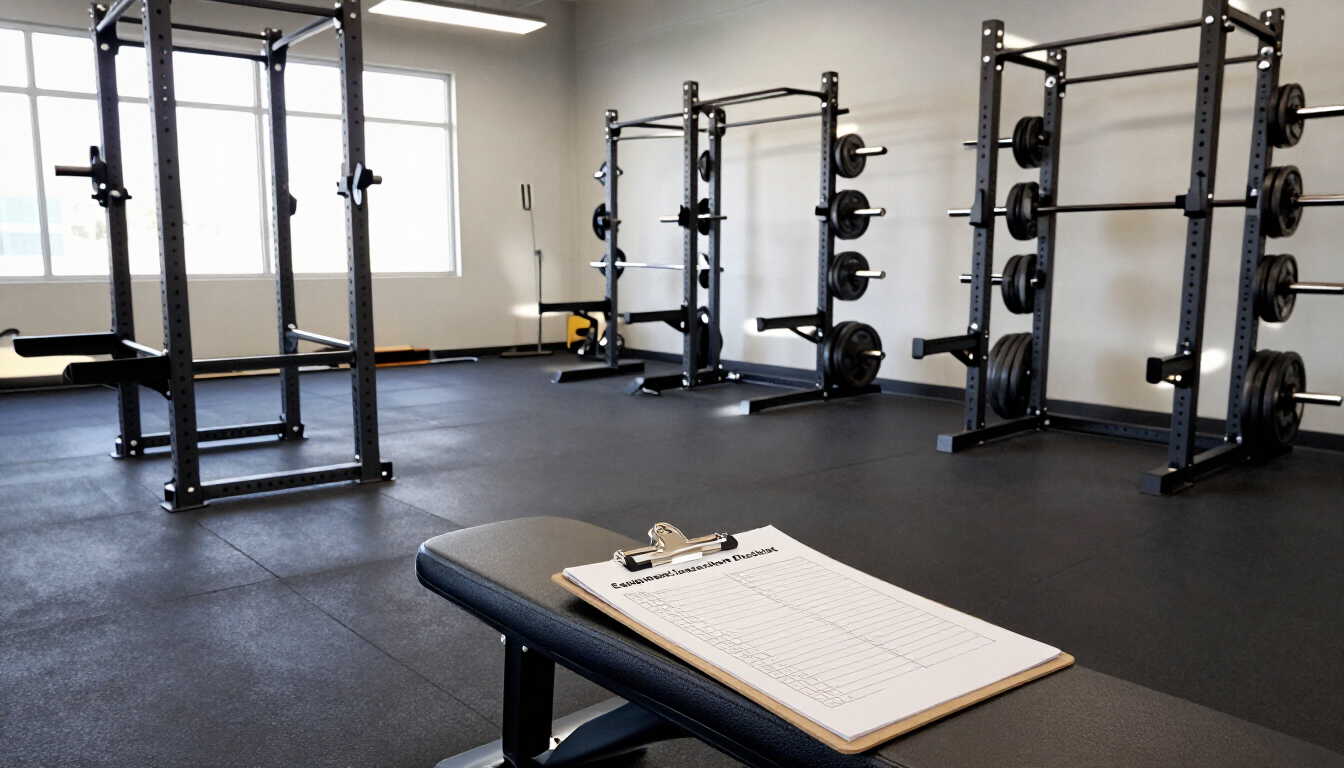
Keep it to one row per asset. A shared spreadsheet works fine. For each machine, record:
- Asset ID and location: a tag number and the room or area it sits in
- Equipment details: type, make, model, and serial number
- Age: install or purchase year, if records exist
- Usage level: light, moderate, or heavy, based on the classes, teams, or shifts that use it
- Service history: dates of maintenance visits and repairs over the past year or two
- Condition rating: using a consistent scale (see below)
- Parts availability: whether parts are still readily available for that model
- Recommendation: maintain, repair, or plan replacement, with a one-line reason
Service history is often the weakest part of the report. If yours has gaps, a professional preventative maintenance visit is a good way to establish a documented baseline before the request goes out.
Add Photos Where They Help
A photo of a frayed cable, a cracked pad, or an out-of-order sign that has been up for a month makes a stronger case than a line of text. Attach photos to any asset rated 1 or 2, and date them. Reviewers who never set foot in your weight room can see exactly what you're asking them to fund.
Use a Consistent Condition Rating Scale
A simple scale keeps ratings comparable across rooms, buildings, and whoever happens to be doing the walkthrough.
| Rating | What it means | Typical recommendation |
|---|---|---|
| 1 – Safety concern | Tagged out, or should be: frayed cables, structural issues, missing guards or pins | Keep out of use; repair or replace before it returns to service |
| 2 – Unreliable | Frequent breakdowns, intermittent faults, or repeated repair calls | Weigh repair against replacement; prioritize in this budget cycle |
| 3 – Functional, worn | Works, but shows wear that will need attention soon | Service or repair now; plan replacement in a future cycle |
| 4 – Good | Operating well with normal wear | Continue scheduled preventative maintenance |
Key takeaway: A rating is only useful if it's applied the same way every time. Define the scale once, put it at the top of your report, and use it for every machine.
Turn Findings Into a Prioritized Request
Once every asset has a rating, ordering the request is straightforward:
- Safety items first. Anything rated 1 is non-negotiable and should be addressed regardless of where you are in the budget cycle.
- High-use unreliable equipment. A rating-2 machine that serves every PE section or team carries more weight than one in a low-traffic corner.
- Planned replacements. Worn equipment nearing end of life can be phased across two or three budget years instead of landing all at once.
- Ongoing maintenance. A service agreement keeps rating-4 equipment from sliding down the scale, and it's a predictable line item reviewers understand.
For schools weighing replacement, our post on why commercial-grade equipment matters in a high-traffic school environment covers what to look for in new equipment.
Standardize the Fleet Where You Can
Many institutional facilities end up with a patchwork of brands and models from donations, grants, and different purchase years. Every additional model adds another set of parts, manuals, and quirks to manage.
When you plan replacements, consider consolidating toward fewer models over time. Standardizing simplifies service, makes parts easier to source, and makes your condition reports cleaner to compare year over year.
Keep the Report Current
A condition report is most valuable when it's updated, not rebuilt from scratch each year. Add to it after every service visit and repair, and note any recurring issues staff report. By the time the next request is due, most of the work is already done.
How often you update depends on how often the equipment is serviced. Our guide on how often to service commercial gym equipment can help you set that rhythm.
How Eco Fit Supports Institutional Facilities
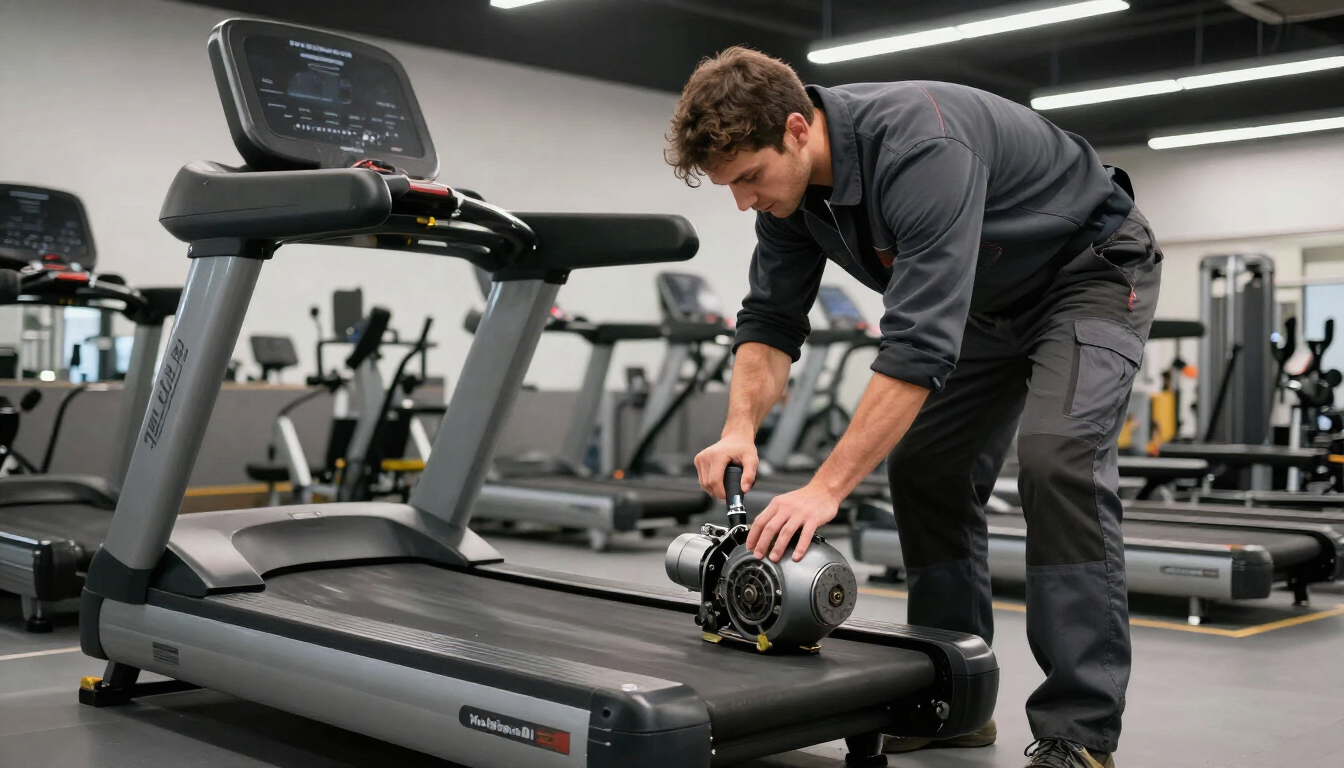
Eco Fit Solutions works with schools, wellness facilities, and public-safety training spaces across the St. Louis metro. During each maintenance visit, our technicians inspect, service, and test the equipment, and they provide recommendations for replacing worn or unsafe parts. That gives you the documented findings your condition report depends on.
When a bigger decision is on the table, we bring a cost-benefit view to whether a machine should be repaired, maintained, or replaced. We also handle equipment repairs on the brands we service, including Life Fitness, Hammer Strength, Cybex, SCIFIT, and Freemotion.
Start Your Condition Report With Us
If your next request is coming due, send us your equipment list, even a rough one, and we'll help you fill in the gaps with a documented service visit.
Get the documentation behind your next request.
Email service@ecofitsolutions.com to schedule an inspection and maintenance visit. We work by appointment, Monday through Friday.
Email Our Service Team Visit Our Contact Page